When you reach a quota
SuaveDocs says so in one sentence that names the limit and ends with what to do, for example "You've used all 100 tasks in your Free plan this month. They reset on 1 December, or ask for more to keep working now." Nothing is deleted: your files, your library and your past work stay as they were. A task you start is turned down. Tasks and pages come back when the month resets, or sooner if more is granted; a full library needs files deleted, or more space granted.
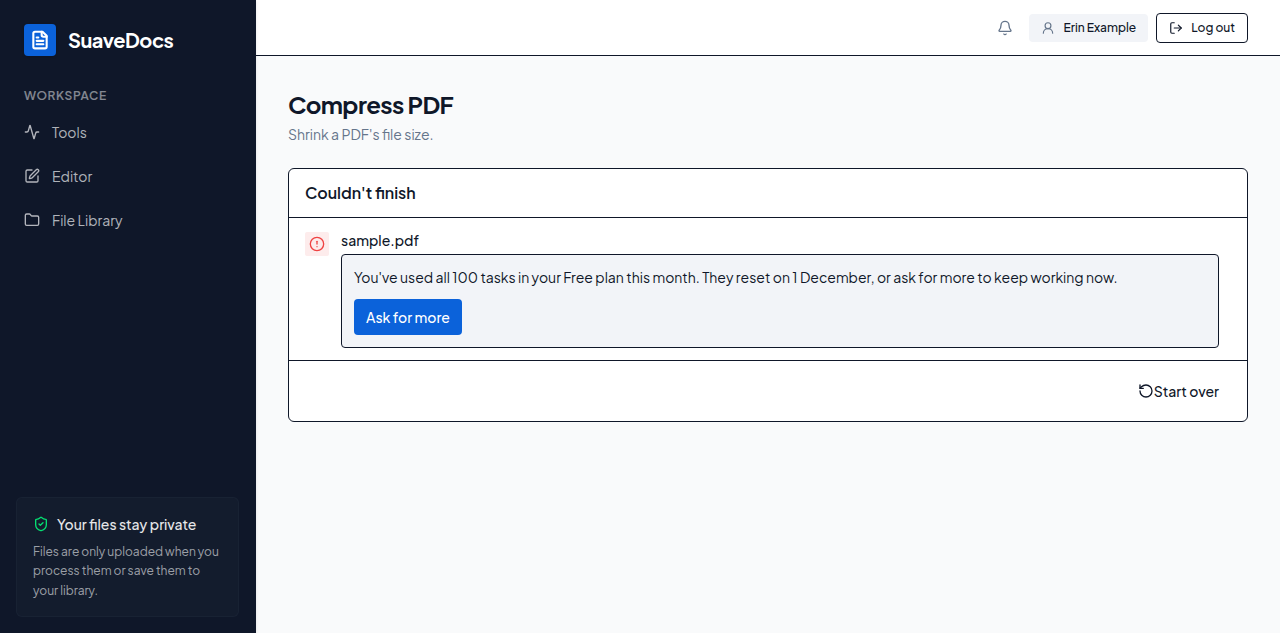 Figure: a task turned down because the month's tasks are used, with Ask for more.
Select Ask for more. It opens the Plans and trials page in a new tab, which says how to ask for a trial or for more. If you can't see the button, ask a workspace owner for more; on a SuaveDocs server your organisation runs itself, ask your administrator.