Compare PDFs
Shows what changed between two versions of a PDF, comparing their text.
To compare two PDFs:
- Drop exactly two files — the tool asks for "Choose exactly 2 files." until you have.
- Select Compare.
What you'll see when it's done: the differences shown inline, or, if the files read the same, "No differences found." A Download <file>.txt button gives you the same comparison as a plain text file.
If something goes wrong
If one of the files looks scanned, the preview warns "This looks scanned — the comparison reads text only, so run OCR first."
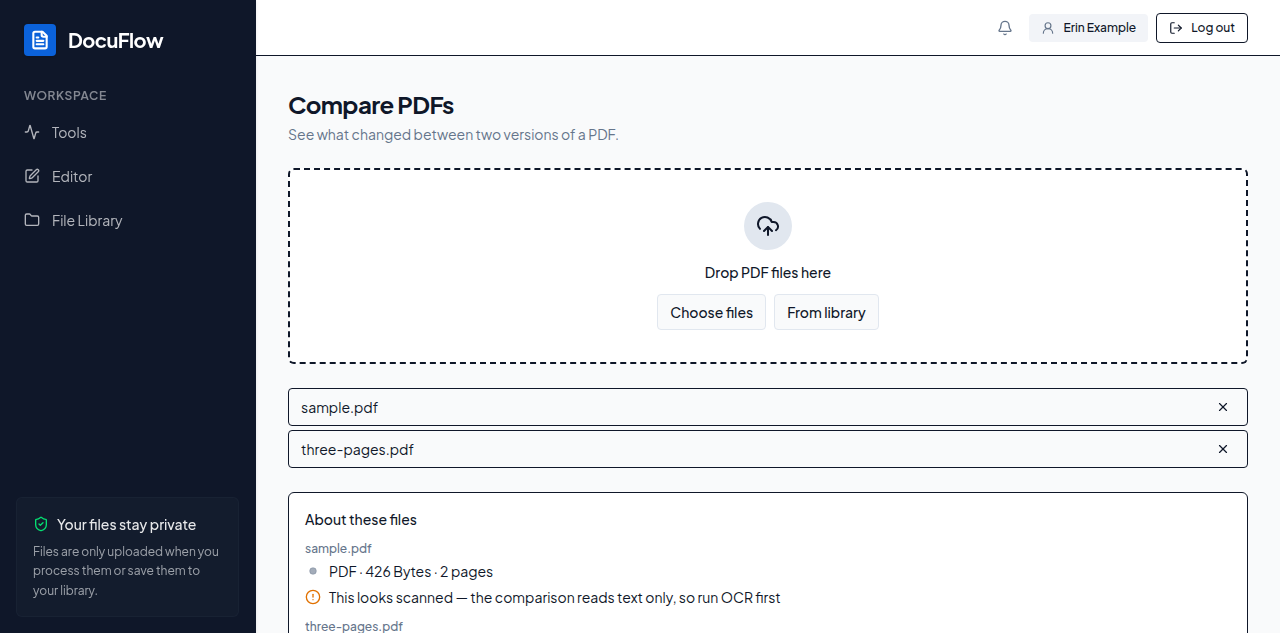 Figure: the two files' inventories, shown before Compare is run.