Bikram Sambat ⇄ AD
Converts a date between the Bikram Sambat and Gregorian calendars. The page heading reads "Nepali Date Converter".
To convert a date:
- Open Bikram Sambat ⇄ AD.
- In either the Bikram Sambat or Gregorian card, pick Year, Month and Day.
- The other card updates immediately to the matching date.
- Select Today to reset both cards to today's date.
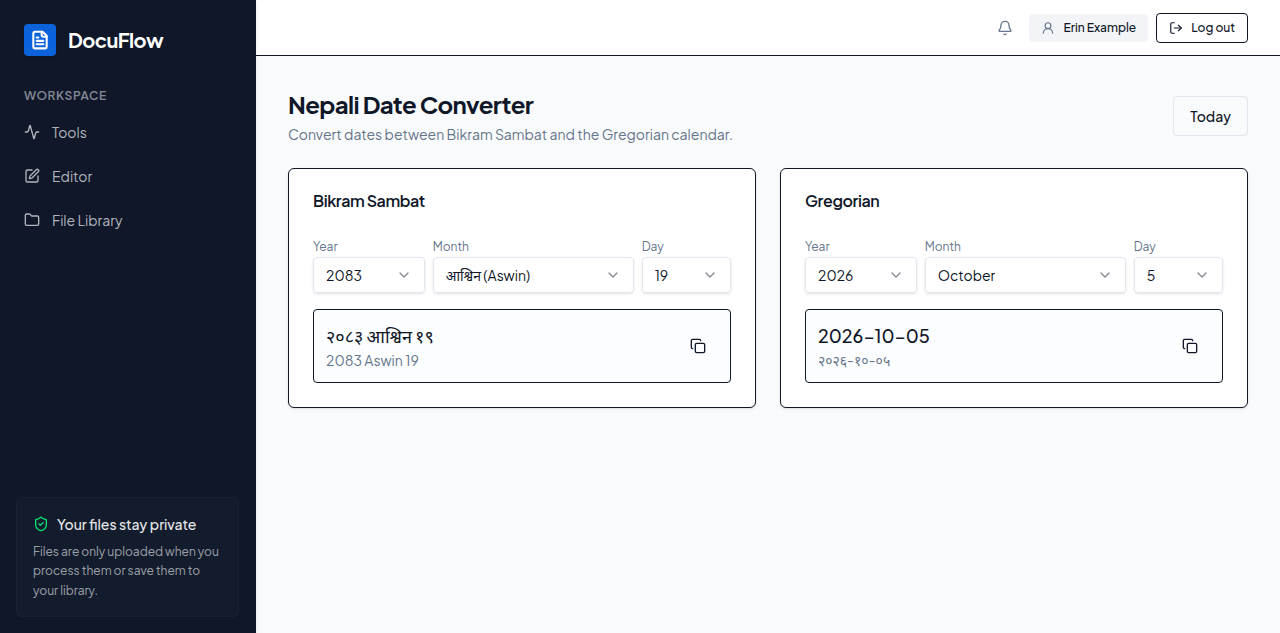 Figure: the Nepali Date Converter, with both calendars showing the same date.
What you'll see when it's done: each card shows the date in both Devanagari and English text, with a copy button beside it — pressing it shows "Copied" briefly.
If something goes wrong
Dates outside the range the converter supports are simply not selectable in the lists.